Logitech K360 Wireless Compact Black Keyboard Y-R0017 with USB
Unifying ReceiverUSD $39.99
Condition : Used
Free Shipping
{{variant_type_name}} :

Notify me when the price drops
We will email you if we find a lower price on this product!
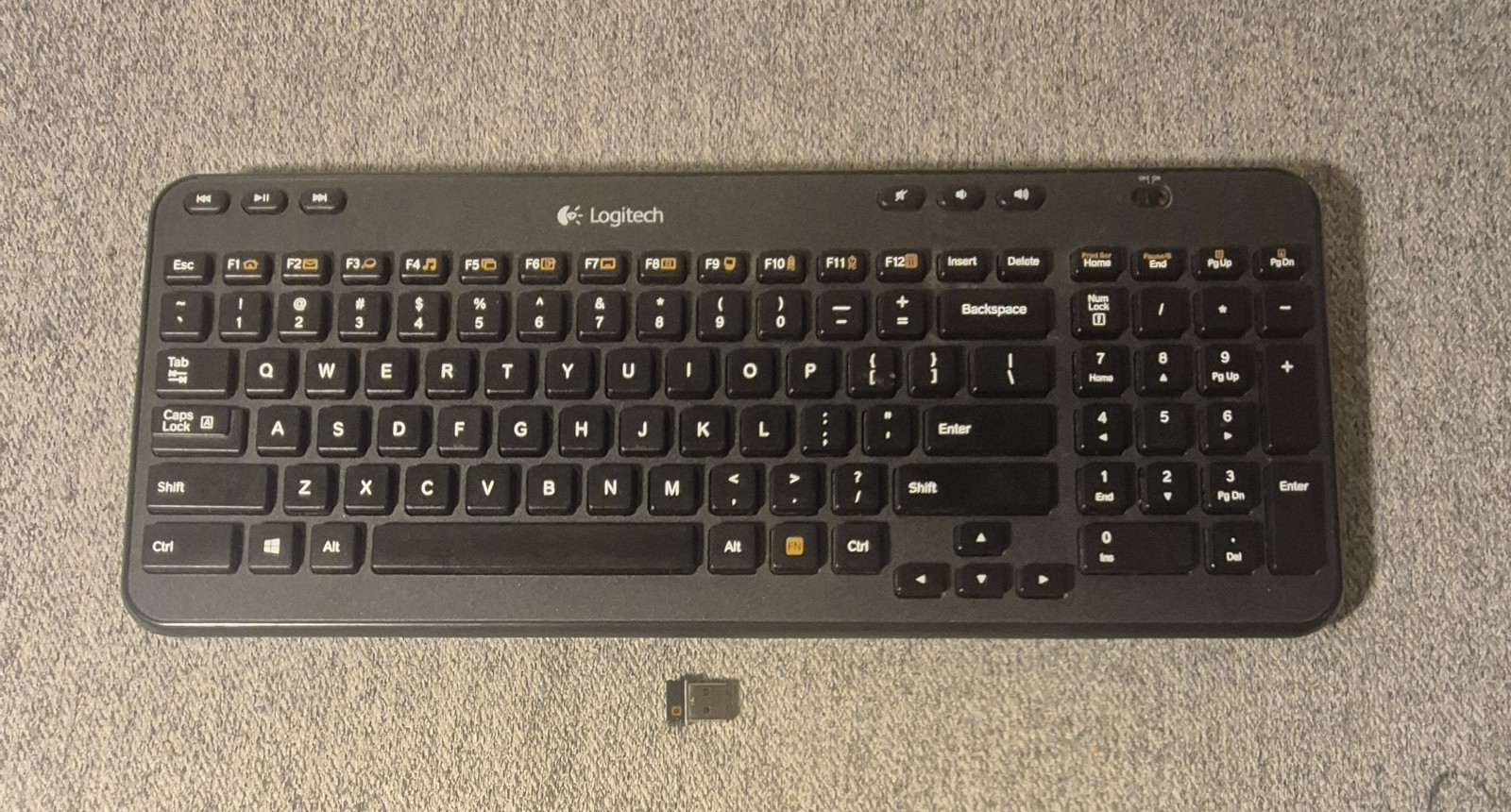
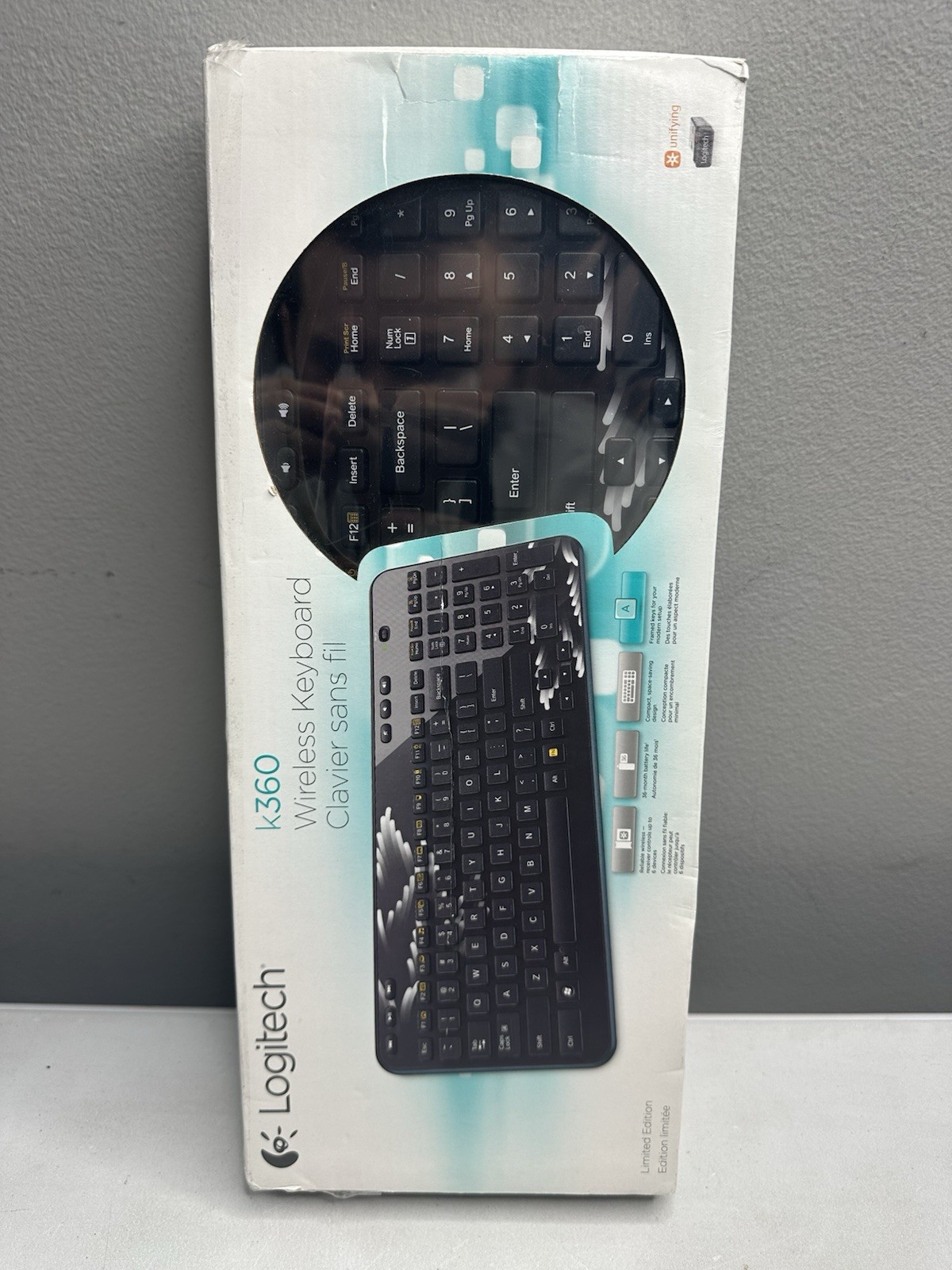
Logitech K360 Wireless Compact Black Keyboard Y-R0017 with USB Unifying Receiver Dongle - Glossy Black Color
Very Good condition. Tested and working with minimal wear. Clear keys, legs and battery cover intact. Will come as shown in the photos with a Unifying Logitech USB Receiver Included. Batteries not included, will need x2 AA batteries for use.
Works with Windows 11 and later along with just about any OS and System with a USB Port for the dongle to plug into. Directions for pairing will be listed below. For additional resources, google "Logitech K360 pairing" for all links necessary to download logitech software and/or troubleshooting guides
Instructions for pairing with USB Receiver Dongle:
Install x2 AA Batteries into the keyboard, then:Steps to Pair a New Receiver (Unifying):
- Download & Install: Download the Logitech Unifying software.
- Plug in Receiver: Insert the new USB receiver into a USB port on your computer.
- Open Software: Launch the Logitech Unifying Software.
- Pairing Mode: Click "Next" or "Add Device" in the software.
- Toggle Power: Turn your K360 keyboard off and then back on using the power switch on the top right.
- Confirm: The software should detect the keyboard, completing the pairing.

Price type
IN STOCK
OUT STOCK

LOT OF 2 Logitech K360 Wireless Keyboard Glossy Black No Unified Dongle Included
By Unbranded

$29.95





 .
.
